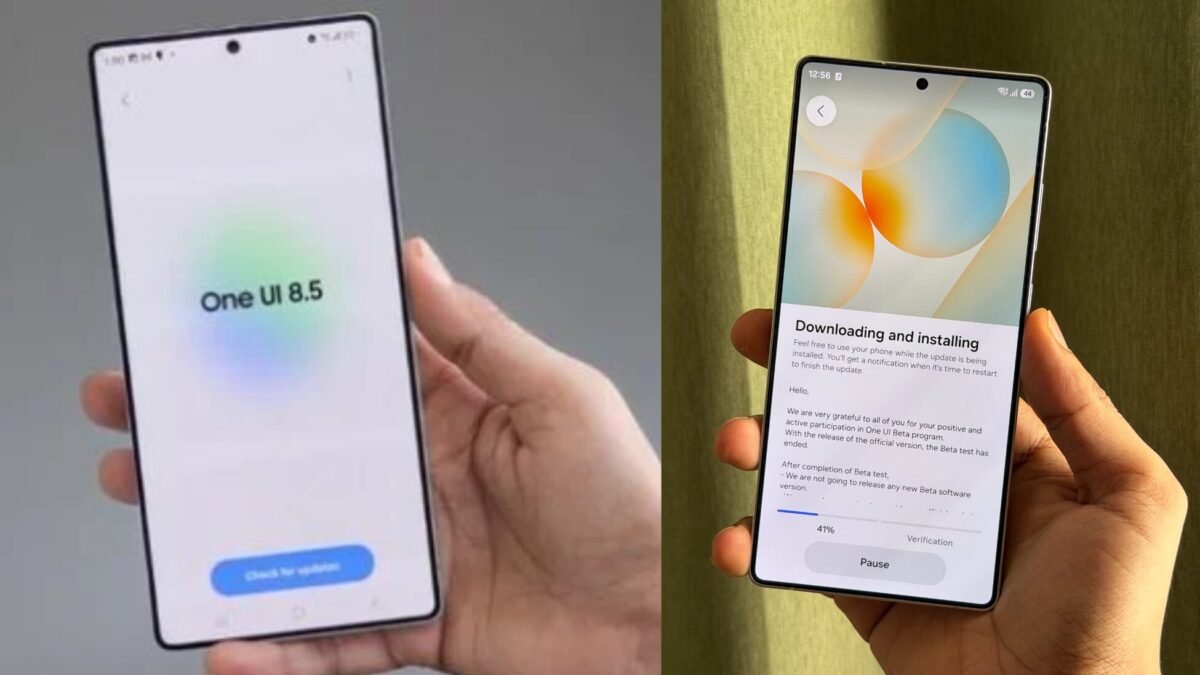


Samsung has officially started rolling out the One UI 9 Beta update for the Galaxy S26 series, giving users an early look at the company’s next-generation Android experience. Built on Android 17, the new update introduces smarter AI tools, improved customization, stronger security protections, accessibility upgrades, and a more polished user interface designed for modern Galaxy devices.
The One UI 9 Beta is currently available for the Samsung Galaxy S26, Samsung Galaxy S26+, and Samsung Galaxy S26 Ultra in select regions including the United States, United Kingdom, Germany, India, South Korea, and Poland.
Samsung says One UI 9 focuses heavily on creating a more intuitive and personalized smartphone experience while preparing Galaxy devices for a new wave of AI-powered mobile interactions. The company also confirmed that the stable version of One UI 9 will debut later this year alongside upcoming Galaxy flagship devices.
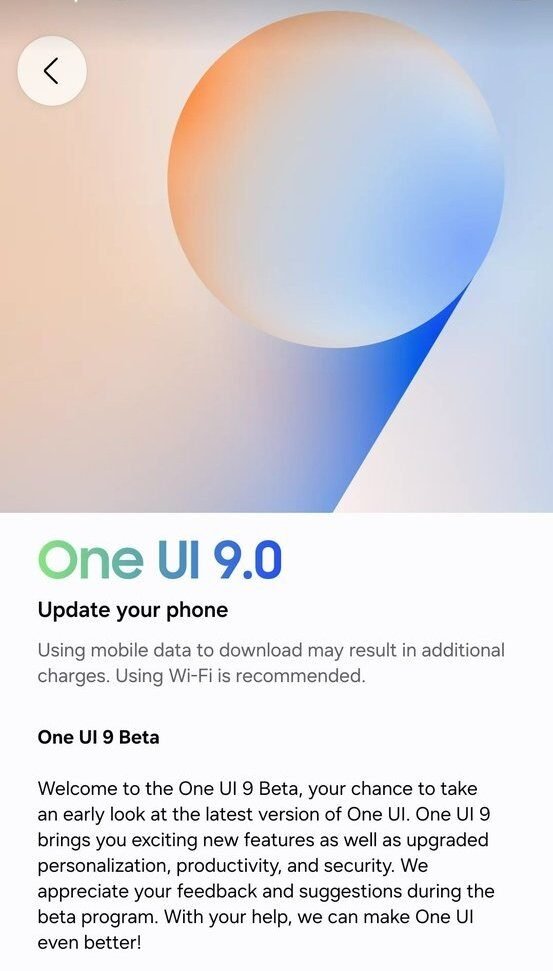
Samsung officially introduces the One UI 9.0 Beta update, bringing Android 17 features, improved security, AI-powered tools, and enhanced customization for Galaxy users.
What Is One UI 9?
One UI is Samsung’s custom Android interface used across Galaxy smartphones and tablets. The latest One UI 9 Beta is based on Android 17 and brings several major improvements over previous versions, including better multitasking, redesigned Quick Settings controls, upgraded Samsung Notes features, and stronger security protections.
Samsung has increasingly focused on integrating AI into its ecosystem, and One UI 9 continues that strategy with smarter personalization features and enhanced productivity tools.
One UI 9 Beta Features: What’s New?
1. Redesigned Quick Panel and Better Customization
One of the biggest changes in One UI 9 is the redesigned Quick Panel. Users can now independently resize brightness sliders, sound controls, and media widgets for a more personalized experience.
Samsung has also separated display and sound toggles, making one-handed operation easier and improving accessibility for large-screen devices. The updated layout feels cleaner, faster, and more customizable than previous One UI versions.
This redesign is especially useful for users who frequently multitask or consume media throughout the day.
2. AI-Powered Creative Tools in Samsung Notes
Samsung Notes receives one of the most exciting upgrades in One UI 9. The app now includes additional pen styles, decorative digital tapes, and enhanced editing tools for students, creators, and professionals.
The improvements make note-taking feel more dynamic and visually appealing while helping users organize content more efficiently.
Samsung is also reportedly integrating more AI-assisted features into creative apps, helping users generate cleaner layouts and improved productivity workflows.
3. Contacts App Gets Creative Studio Integration
The Contacts app now offers direct integration with Creative Studio, allowing users to create personalized contact profile cards without switching between apps.
This may sound like a small update, but it reflects Samsung’s growing focus on personalization across the Galaxy ecosystem.
Users can design more expressive profile images and identity cards directly inside the native Contacts interface.
4. Improved Multitasking and DeX Experience
Samsung continues to improve productivity tools in One UI 9 Beta. Floating app bubbles, improved split-screen support, and smoother app resizing make multitasking more efficient.
Samsung DeX also gets improvements for desktop-style productivity workflows. Users who connect Galaxy devices to monitors or tablets should notice better continuity and smoother app transitions.
These changes are particularly valuable for professionals, content creators, and power users who rely on Galaxy devices for work.
5. Enhanced Security and Privacy Features
Security is another major focus of One UI 9.
Samsung has introduced stronger protections against suspicious apps and risky software behavior. Some high-risk applications may now be blocked from launching or installing altogether.
The company is also improving privacy notifications and strengthening Android 17 security integrations to protect user data.
With mobile cybersecurity becoming increasingly important worldwide, these upgrades could become one of the biggest selling points of the update.
6. Better Accessibility Features
Samsung has added several accessibility improvements to make Galaxy devices easier to use for everyone.
New features include:
- Adjustable Mouse Key speed
- Text Spotlight enhancements
- Unified TalkBack accessibility tools
- Easier navigation controls
These improvements help users with visual or mobility limitations while also improving the overall usability of Galaxy smartphones.
7. Smarter AI Features Are Coming
Samsung confirmed that more advanced AI-powered experiences will arrive with the full stable release later this year.
Industry reports suggest Samsung may further expand AI integrations involving:
- Smarter notifications
- Context-aware recommendations
- AI-generated summaries
- Enhanced voice assistance
- Cross-device AI experiences
Some reports also hint at deeper integration with Google’s Gemini AI ecosystem in future Galaxy devices.
Samsung’s AI strategy is clearly becoming a central part of its smartphone ecosystem.
Which Phones Support One UI 9 Beta?
Currently, the One UI 9 Beta is available only for the Galaxy S26 lineup:
- Samsung Galaxy S26
- Samsung Galaxy S26+
- Samsung Galaxy S26 Ultra
Samsung is expected to expand the rollout later to older premium Galaxy devices including future support for select S25 and S24 models.
Countries Where One UI 9 Beta Is Available
The beta program has launched in:
- United States
- United Kingdom
- Germany
- India
- South Korea
- Poland
Samsung may add more regions in the coming weeks depending on beta testing performance and stability feedback.
How to Join the One UI 9 Beta Program
Users can join the beta through the Samsung Members app.
Steps to install One UI 9 Beta:
- Update the Samsung Members app
- Log into your Samsung account
- Open the One UI 9 Beta banner
- Register your eligible Galaxy S26 device
- Download the update from Settings > Software Update
Samsung recommends backing up important data before installing the beta because early software builds may contain bugs or performance issues.
Should You Install the One UI 9 Beta?
If you enjoy testing new features early, the One UI 9 Beta offers a glimpse into Samsung’s future Android experience.
You should consider installing it if you:
- Want early Android 17 features
- Like testing new AI tools
- Enjoy customization updates
- Use Samsung DeX or multitasking heavily
- Want to explore upcoming Galaxy innovations first
However, beta software may still include:
- Battery drain issues
- App compatibility problems
- Random crashes
- Performance instability
So users who rely heavily on their phone for work or daily critical tasks may want to wait for the stable release.
One UI 9 vs Previous Samsung Updates
Compared to earlier One UI versions, One UI 9 feels more focused on AI, productivity, and personalization.
While One UI 8.5 mainly refined Samsung’s design language, One UI 9 pushes deeper into:
- Intelligent customization
- Productivity workflows
- Cross-device continuity
- AI-assisted interactions
- Security automation
Samsung appears to be positioning One UI 9 as one of its most advanced Android updates yet.
Expected Stable Release Date
Samsung has not announced an exact stable rollout date yet, but reports suggest the full One UI 9 release could arrive around July 2026 alongside upcoming foldable devices such as the Galaxy Z Fold 8 and Galaxy Z Flip 8.
Additional Galaxy smartphones may receive the update later in 2026.
Final Thoughts
Samsung’s One UI 9 Beta shows that the company is aggressively pushing forward with AI-powered mobile experiences and deeper Android integration. From redesigned customization tools to enhanced security, improved accessibility, and smarter productivity features, the update introduces meaningful improvements across the Galaxy ecosystem.
For Galaxy S26 users, the beta offers an exciting preview of Samsung’s next-generation smartphone vision powered by Android 17 and advanced AI technologies.
As Samsung continues competing with Apple and Google in the AI smartphone race, One UI 9 could become one of the company’s most important software releases in years.
Frequently Asked Questions (FAQs) About Samsung One UI 9 Beta
What is Samsung One UI 9 Beta?
Samsung One UI 9 Beta is the latest test version of Samsung’s Android 17-based software update for Galaxy smartphones. It introduces new AI features, improved customization, enhanced security, multitasking upgrades, and accessibility improvements for eligible Galaxy devices.
Also Read: Claude AI: The Future of Intelligent AI Assistants in 2026